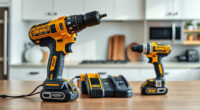
Overheating can significantly impact the performance and lifespan of your DEWALT power tools. Whether you’re using a drill or impact driver, understanding common causes and quick fixes will help you keep your tools running smoothly. This guide provides clear, safe steps to diagnose and resolve overheating issues.

Get business pricing on garage and car supplies
- Business-only prices and quantity discounts
- Tax-exempt purchasing
- Multiple users, one account, clear invoices
Always prioritize safety: disconnect the tool from power before attempting repairs or troubleshooting. Proper maintenance not only extends your tool’s life but also ensures safe operation during your projects.
Key Takeaways
| Overheating causes | Overuse, poor ventilation, or blocked vents can cause overheating. |
| Immediate fix | Allow the tool to cool down before further use. |
| Prevention tips | Regular cleaning and proper usage prevent overheating. |
| Troubleshooting steps | Check vents, batteries, and motor for issues. |
| When to seek repair | Persistent overheating indicates a deeper fault needing professional repair. |
Identify the Overheating Symptoms
- Notice the tool shutting down unexpectedly or the motor feeling excessively hot.
- Observe a burning smell or smoke during operation.
- LED indicators (if available) flashing or lighting up in warning signals.
Immediate Steps to Take
- Power off and disconnect the tool from the battery or cord.
- Allow it to cool in a well-ventilated area for at least 15-30 minutes.
- Inspect for visible blockages, debris, or damage around vents and motor area.
Clean and Maintain Your Tool
- Use compressed air to gently blow out dust and debris from vents and motor housing.
- Wipe external surfaces with a dry cloth.
- Check that vents are clear and unobstructed for proper airflow.
Check Batteries and Connections
- Ensure batteries are properly seated and in good condition.
- Replace old or damaged batteries with a fresh, fully charged DEWALT 20V MAX 5 Ah battery if needed.
- Verify that all connections are clean and secure.
Prevent Future Overheating
- Use the tool within recommended duty cycles; avoid continuous extended use.
- Work in well-ventilated areas with adequate airflow.
- Periodically pause during heavy tasks to allow cooling.
The Products in This Guide

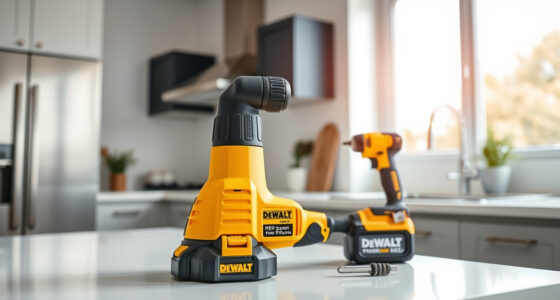
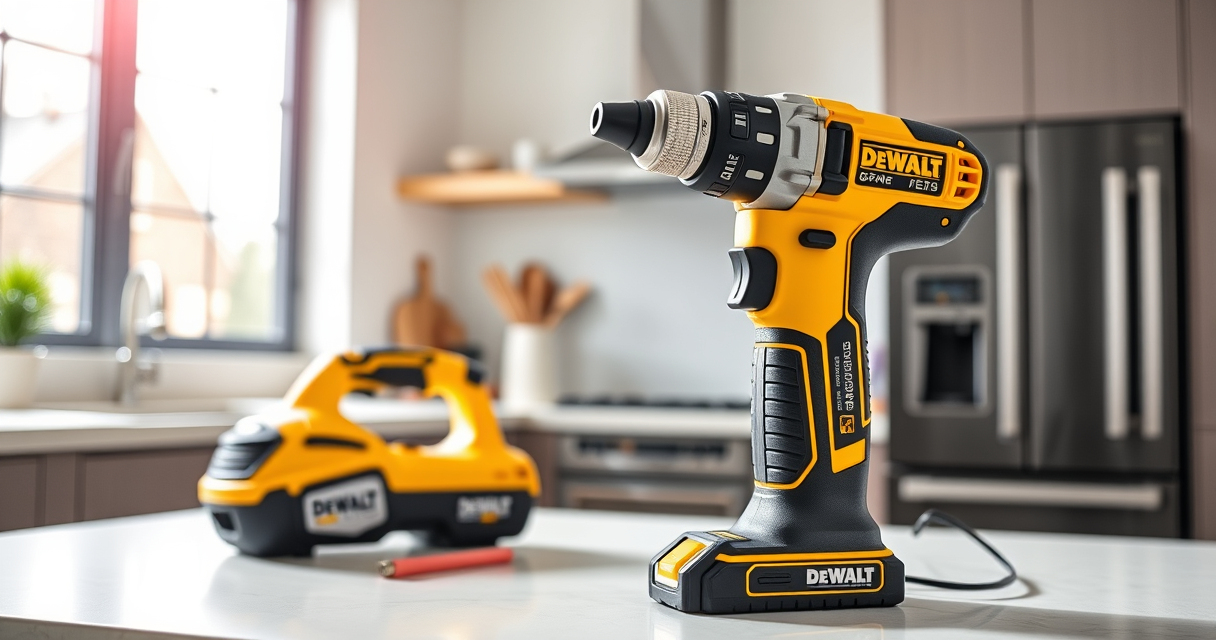
DEWALT 20V MAX Cordless Drill and Impact Driver
- ✔ Weight: 3.1 lbs
- ✔ Battery Capacity: 5 Ah
- ✔ Chuck Size: 1/2 inch

DEWALT Drill Bit Set
- ✔ Size Range: Various
- ✔ Web Design: Tapered
- ✔ Color: Black & Gold
DEWALT 20V MAX Cordless Drill and Impact Driver
The DEWALT 20V MAX Cordless Drill and Impact Driver set is designed for durability and comfort, making it a popular choice for demanding jobs. Proper maintenance helps prevent overheating and ensures longevity.
Pros:
- Lightweight and easy to handle
- Brushless motor for efficiency
- Includes 2 batteries for extended work
- Bright LED for visibility
Cons:
- Vents can clog if not maintained
- Battery life may vary with heavy usage
- Requires regular cleaning to prevent overheating
Best for: DIY enthusiasts and professionals needing reliable cordless power tools
Not ideal for: Heavy continuous industrial use without breaks
Bottom line: A versatile, durable cordless drill kit ideal for various projects with proper care.
DEWALT Drill Bit Set
Pair your DEWALT drill with this durable 14-piece drill bit set, featuring split point tips and a rust-resistant coating. It complements your tool’s performance and helps prevent overheating by reducing stress during drilling.
Pros:
- High-speed steel for durability
- Split point reduces walking
- Color-coded size markings
- Compatible with all 20V MAX tools
Cons:
- Limited to specific bit sizes
- Not suitable for heavy-duty industrial use
Best for: General drilling in plastic, wood, and metal
Not ideal for: Heavy-duty industrial drilling
Bottom line: A reliable drill bit set that enhances drilling efficiency and reduces overheating risks.
Frequently Asked Questions
Why does my DEWALT tool overheat during use?
Overuse, blocked vents, or poor ventilation can cause heat buildup. Continuous operation without breaks increases risk of overheating.
How long should I wait for my tool to cool down?
Allow at least 15-30 minutes in a well-ventilated area before attempting to use the tool again.
Can I prevent overheating with maintenance?
Yes, regular cleaning of vents, proper storage, and avoiding prolonged continuous use help prevent overheating.
What should I do if my tool keeps overheating despite troubleshooting?
Persistent overheating may indicate motor or internal component issues; seek professional repair or contact DEWALT customer service.
Keep Your DEWALT Tools Cool and Performing
Proper care and troubleshooting are essential for maintaining your DEWALT power tools’ performance and longevity. Recognizing overheating signs early and following the recommended steps can prevent damage and keep your projects on track. Remember, safety first—always disconnect power before inspecting or cleaning your tools.
Affiliate disclosure: As an Amazon Associate we earn from qualifying purchases. Prices and availability are accurate as of the time of publishing.
Fall Picks
fall essentials
As an affiliate, we earn on qualifying purchases.