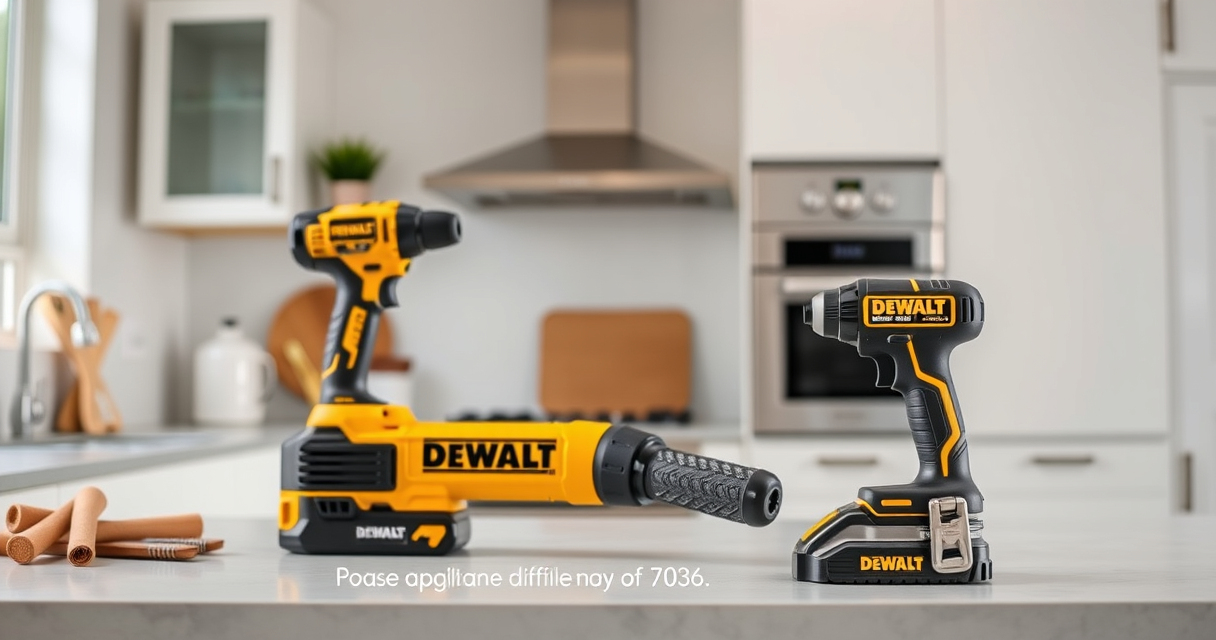
If your DEWALT power tool isn’t charging despite being connected to a compatible charger, it can be frustrating and halt your projects. Fortunately, most charging issues are troubleshootable with basic steps. This guide walks you through practical, safe methods to identify and fix common charging problems, ensuring your tool stays ready for action.

Get garage and car supplies delivered free — and shop member deals
- Fast, free delivery on millions of items
- Access to Prime Big Deal Days deals on October 6–7
- Prime Video, Amazon Music and more included
Before starting, ensure your safety by working in a well-ventilated area, wearing safety glasses, and unplugging or removing batteries when performing inspections or repairs.
Key Takeaways
| Battery Age | Older batteries may lose their capacity and need replacement. |
| Charger Compatibility | Ensure the charger is compatible and functioning properly. |
| Connection Check | Properly connect the battery and charger, avoiding debris or damage. |
| Battery Condition | Look for swelling, corrosion, or damage on the battery. |
| Charger Indicator Lights | Use LED indicators to assess charging status. |
Step 1: Verify the Power Source and Charger
- Plug the charger into a different working outlet to confirm power supply.
- Check the charger’s LED indicator lights—if available—to see if it powers on.
- Ensure the charger is compatible with your DEWALT battery model.
Step 2: Inspect the Battery
- Remove the battery from the tool and examine it for swelling, corrosion, or damage.
- Clean the battery contacts gently with a dry cloth or a small brush to remove dirt or debris.
- If the battery is old or shows physical damage, consider replacing it.
Step 3: Test the Charging Process
- Insert the battery into the charger firmly, ensuring proper contact.
- Observe the LED indicator on the charger—if it shows a charging status, wait for a reasonable time.
- If the LED remains unlit or indicates an error, try a different compatible charger if available.
Step 4: Reset or Replace Components
- Unplug the charger and remove the battery, then wait for 10 minutes before reconnecting.
- If charging still fails, try a different battery or charger if you have spares.
- For persistent issues, contact DEWALT customer support or consider professional repair.
Additional Tips and Warnings
- Always use genuine DEWALT chargers and batteries to prevent compatibility issues.
- Never attempt to open or repair the battery pack yourself due to risks of fire or injury.
- Dispose of damaged batteries safely following local regulations.
The Products in This Guide

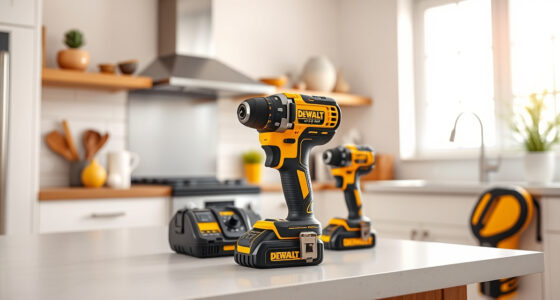
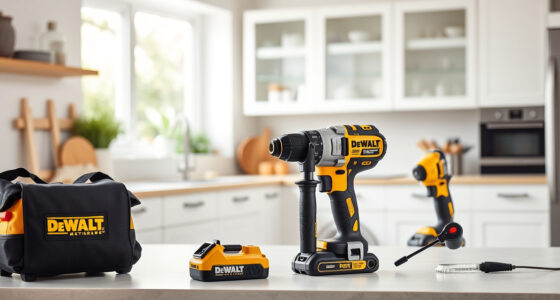
DEWALT 20V MAX Cordless Drill Driver Set
- ✔ Front to Back: 7.6 inches
- ✔ Chuck Size: 1/2 inch
- ✔ Speed Options: 2-speed transmission

DEWALT Drill Bit Set
- ✔ Bit Length: Various
- ✔ Shank Type: 3-flats
- ✔ Color: Black and gold
DEWALT 20V MAX Cordless Drill Driver Set
The DEWALT 20V MAX Cordless Drill Driver Set is a versatile and durable tool ideal for a wide range of tasks. Its brushless motor provides more run time and efficiency, making it a dependable choice for professionals and DIYers alike.
Pros:
- Long-lasting brushless motor
- Lightweight and ergonomic design
- LED work light
- Includes 2.0 Ah battery and charger
Cons:
- Battery may need replacement after extended use
- Limited to 20V system
Best for: General-purpose drilling and fastening in tight spaces
Not ideal for: Heavy-duty industrial applications
Bottom line: A dependable, lightweight drill perfect for a variety of tasks.
DEWALT Drill Bit Set
The DEWALT Drill Bit Set includes 14 high-speed steel bits with a 135-degree split point, ideal for drilling into plastic, wood, and metal. Durable and rust-resistant, it complements your power tools perfectly.
Pros:
- Wide variety of sizes
- Rust-resistant coating
- High-quality steel
- Easy to identify sizes
Cons:
- Bits may wear faster under heavy use
- Requires proper storage
Best for: General drilling tasks across materials
Not ideal for: Heavy industrial demanding drilling
Bottom line: A versatile drill bit set that covers most household and professional needs.
Frequently Asked Questions
Why isn’t my DEWALT battery charging?
Common reasons include incompatible or faulty charger, damaged battery contacts, or the battery being old or damaged. Follow troubleshooting steps to identify the cause.
How can I tell if my battery is dead?
Signs include swelling, corrosion, or if the battery no longer holds a charge after multiple attempts. Using a multimeter can also help check voltage levels.
Is it safe to open my DEWALT battery pack?
No, opening or repairing the battery pack yourself can be dangerous due to risk of fire or injury. Contact DEWALT support or professional repair services.
Can I use a different charger for my DEWALT battery?
Only use chargers specified for your DEWALT model to ensure compatibility and safety. Using incompatible chargers can cause damage or pose safety hazards.
Keep Your DEWALT Power Tools Ready to Work
Proper maintenance and troubleshooting can extend the life of your DEWALT power tools and batteries. Regularly inspect components, use genuine parts, and follow safe practices to ensure your tools operate reliably. When in doubt, consulting the manufacturer or a professional can prevent costly repairs and safety issues.
Affiliate disclosure: As an Amazon Associate we earn from qualifying purchases. Prices and availability are accurate as of the time of publishing.
Fall Picks
fall essentials
As an affiliate, we earn on qualifying purchases.