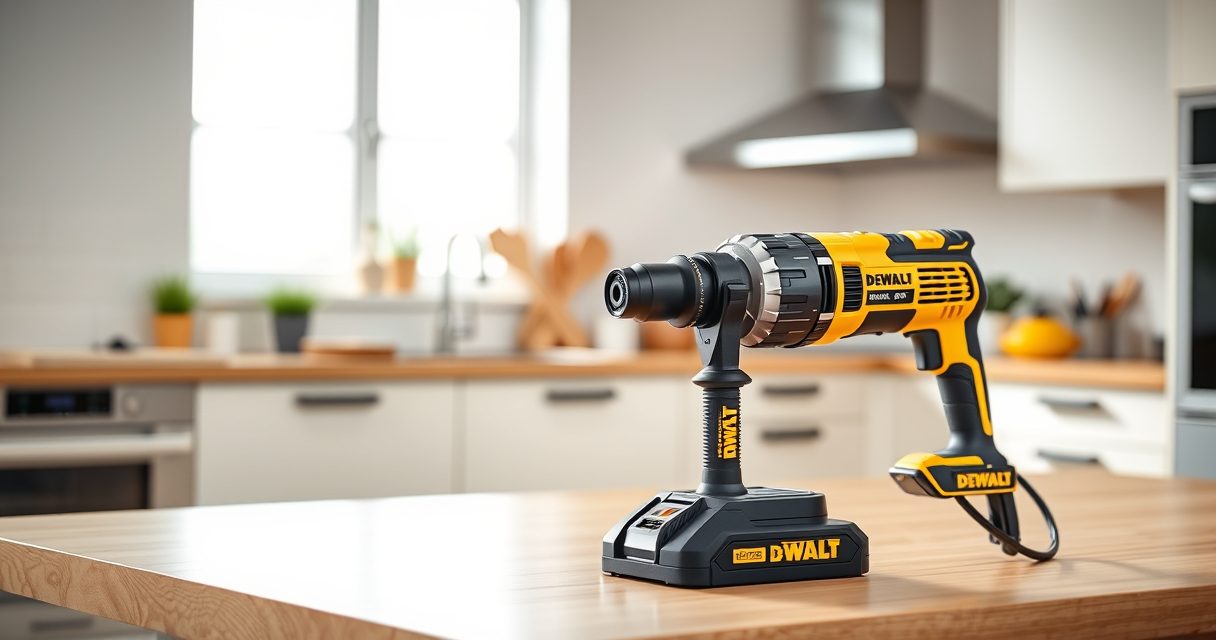

Getting your DEWALT power tools ready for use involves a few straightforward steps. Proper setup ensures safety, optimal performance, and longer tool life. This guide walks you through the essential steps to set up your DEWALT 20V MAX Cordless Drill Driver and accessories effectively.

Get business pricing on garage and car supplies
- Business-only prices and quantity discounts
- Tax-exempt purchasing
- Multiple users, one account, clear invoices
Follow these instructions carefully and keep safety in mind to make the most of your new power tools.
Key Takeaways
| Power source | Ensure the battery is fully charged before starting. |
| Battery installation | Properly insert the battery into the tool until it clicks. |
| Accessory attachment | Securely attach drill bits or other accessories using the chuck. |
| Safety checks | Verify the tool operates correctly before use. |
| Maintenance | Keep contacts clean and store in a dry place for longevity. |
Preparing Your DEWALT Drill for Use
- Start by charging your DEWALT 20V MAX battery using the included charger. Ensure the battery’s LED indicator shows full charge.
- Insert the charged battery into the base of the drill until you hear a click, confirming it is securely in place.
Attaching and Using Accessories
- Choose the appropriate drill bit for your task from a compatible set, such as the DEWALT Drill Bit Set.
- Insert the bit into the chuck, then tighten the single-sleeve ratcheting chuck by turning it clockwise until the bit is secure.
- Test the setup by pressing the trigger and observing the drill’s operation in a safe, controlled environment.
Operational Tips for Safety and Efficiency
- Always wear safety glasses to protect against debris.
- Use both hands to stabilize the drill for better control.
- Start at lower speeds when driving screws or drilling into delicate materials.
- Release the trigger promptly once the task is complete to avoid overdriving or damaging materials.
Maintaining Your DEWALT Power Tool
After use, remove the battery and store it in a cool, dry place. Keep the contacts clean with a dry cloth and periodically check for any damage or wear. Use the LED indicator to monitor battery health and recharge as needed.
Troubleshooting Common Issues
If your drill does not start, check that the battery is fully charged and properly inserted. For erratic operation, inspect the battery contacts and clean if necessary. Refer to the user manual for detailed troubleshooting steps or contact DEWALT support for assistance.
The Products in This Guide

DEWALT 20V MAX Cordless Drill Driver Set
- ✔ LED Light: Yes
- ✔ Warranty: 3 years
- ✔ Dimensions: 7.6 inches length

DEWALT Drill Bit Set
- ✔ Tip Design: Split point
- ✔ Coating: Black & Gold
- ✔ Size Range: Various
DEWALT 20V MAX Cordless Drill Driver Set
The DEWALT 20V MAX Cordless Drill Driver Set offers a robust brushless motor that delivers more run time and performance. Its lightweight, compact design makes it ideal for tight spaces, while the LED light enhances visibility. Perfect for general-purpose drilling and fastening tasks.
Pros:
- Brushless motor for longer runtime
- Compact and lightweight design
- LED work light for dim areas
- Includes 2.0 Ah battery and charger
Cons:
- Limited to light to medium tasks
- Battery life dependent on usage intensity
Best for: Home improvement projects, furniture assembly, light construction
Not ideal for: Heavy-duty industrial applications
Bottom line: A reliable, versatile drill ideal for DIYers and light professional work.
DEWALT Drill Bit Set
Pair your DEWALT drill with this 14-piece drill bit set featuring 135-degree split point tips, perfect for reducing walking and ensuring clean, precise holes in plastic, wood, and metal.
Pros:
- High Speed Steel construction
- Reduce walking with split point tips
- Tapered web for durability
- Easy size identification
Cons:
- Best suited for standard materials
- Limited to bit sizes included
Best for: General drilling, DIY projects, light to medium tasks
Not ideal for: Heavy industrial drilling
Bottom line: A versatile set that enhances drilling accuracy and durability.
Frequently Asked Questions
How do I know when my battery needs charging?
Use the LED fuel gauge on the battery to monitor the charge level. When the indicator shows low, recharge the battery for optimal performance.
Can I use other batteries with my DEWALT drill?
Only batteries compatible with the 20V MAX system, such as the DCB205-2 5Ah batteries, are recommended for safe and reliable operation.
What safety precautions should I follow when using my drill?
Always wear safety glasses, secure your workpiece, use the correct drill bits, and avoid overloading the tool to prevent accidents and damage.
How do I change or tighten the drill bit?
Hold the chuck firmly and rotate it clockwise until the bit is securely in place. Use the included keyless chuck or a chuck wrench if necessary.
Getting the Most from Your DEWALT Power Tools
Proper setup and maintenance of your DEWALT power tools ensure safety, efficiency, and longevity. Always follow the manufacturer’s instructions, keep your tools clean, and replace batteries when needed. With the right care, your DEWALT tools will serve you well on many projects to come.
Affiliate disclosure: As an Amazon Associate we earn from qualifying purchases. Prices and availability are accurate as of the time of publishing.
Halloween Picks
halloween
As an affiliate, we earn on qualifying purchases.